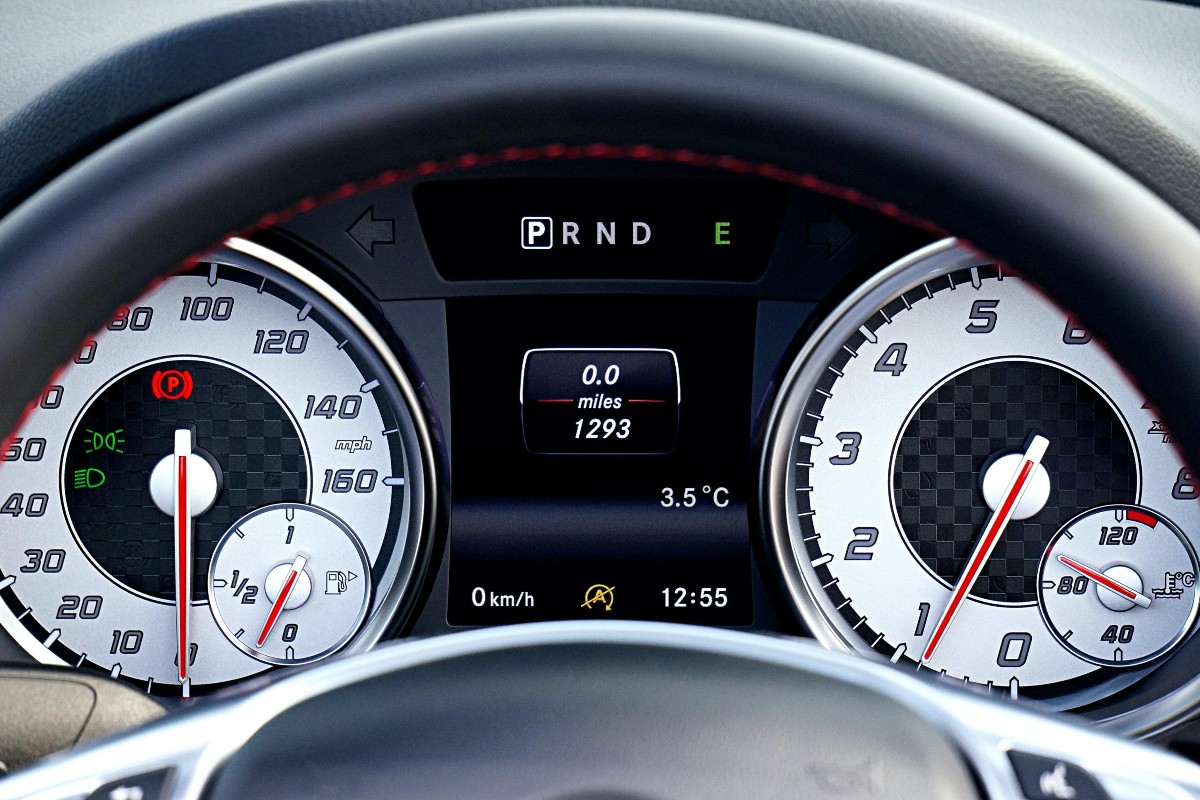
You know that feeling when someone shows you a simple shortcut or secret that’s always been there but you never knew about? You know, like that little arrow next to the fuel gauge icon on your car’s dashboard? The one that’s been there your whole life? That arrow points to the side of the car where your gas tank is. Yeah. Mind. Blown. (Go ahead and check next time you get in the car. You’ll be like, “Wait. What?”)
Of course, technically it’s not a secret. It’s been there all along, right in front of you. Nobody hid it. There’s no special manual for it. It just waiting for you to notice and use it.
Asana’s Proof & Feedback feature is a lot like that arrow. It’s built right into the platform, it’s genuinely useful, and the vast majority of people just scroll right past it without knowing it exists. Once you find it though, there’s a good chance you’ll wonder what you’ve been doing with your life up until now. (OK, maybe that’s a little dramatic — but it really is useful.)
What Is the Proof & Feedback Feature?
In short, Proof & Feedback allows you to open a file attachment — like a PDF or image — directly inside Asana and leave pinpoint feedback on specific areas of that document. We’re not talking about a comment in the task. We’re talking about clicking directly on the thing you want to address and creating a task right there on the spot.
That task gets assigned, dated, and dropped right into the subtask section of the parent task. No copy-pasting. No “see comment above.” No chasing anyone down via email to explain what you meant.
A Few Cool Things
Here’s the part that I really
like. The feedback you leave doesn’t just float in the ether — it becomes actionable work. Asana automatically:
- Numbers each feedback note so nothing gets lost
- Creates a corresponding subtask for each one
- Connects those subtasks to the task where the file lives
- Lets you assign each item to a specific person with a due date
- Lets you add more information and details
So when you’re done reviewing the file, the work is already organized and assigned.
Use Cases
Of course, this feature isn’t meant to replace more in-depth proofing tools that come bundled in applications like Google Docs, Adobe Acrobat, or SharePoint — or dedicated platforms like Ziflow or PageProof. But for those who don’t need that deep a layer of proofing or who want a lightweight way to keep feedback and tasks in the same place, this feature does the job really well.
A few scenarios where it might work include:
- Document reviews: Project briefs, proposals, SOPs — anything that gets circulated for input before it’s finalized
- Creative feedback: Design mockups, graphics, or any image that needs specific, visual notes
- Client deliverables: If you’re sharing work internally before it goes out the door, this keeps feedback clean and connected
One Caveat
Keep in mind, as of now, the feature works with PDFs and images attached to a task in Asana. It doesn’t support every file type (Word docs and Excel files, for example, won’t give you the visual feedback overlay). And it doesn’t work for files linked from Google Drive, SharePoint/OneDrive, Dropbox or Box. It’s specifically for files that are attached directly to the task.
Give It a Try!
Why not give it a try right now? Just head to your Asana workspace, attach a pdf or image to the task, then click on it and add feedback!
Questions about optimizing your projects and workflows in Asana? Drop me a line or leave a comment below.