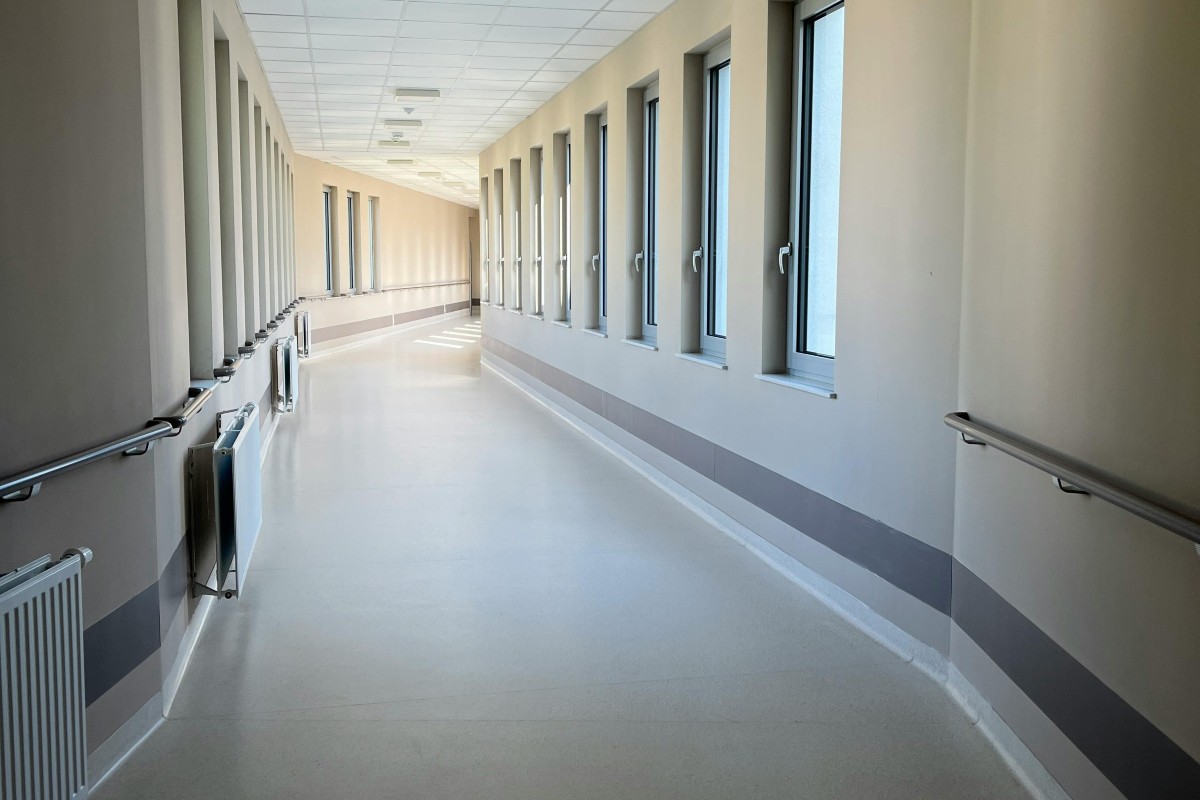
Ever followed every direction perfectly and still ended up in the wrong place? A while back, I went to visit someone at a hospital. I had the room number. I had directions from the front desk. I followed the colored lines on the floor, took the right elevator (I think), and dutifully followed every sign along the way. And I still ended up in the completely opposite wing of the building. Yeah, that was fun, but at least I got my steps in that day! Navigation should be simple. But when there are a lot of options, it’s easy to get lost — even with all the right tools in front of you.
Sometimes Asana can feel a little like that. There’s a lot in there, especially if you’ve been using it for a long time. To make matters even more challenging, you might have recently discovered Asana moved a bunch of things around! So in this post I thought I’d offer a tutorial video to give you a clear understanding of the new navigation, along with some tips for keeping things clutter-free, organized and stress-free!
The Four Navigation Groups
Asana’s sidebar is broken into four groups, and each one has a specific job. Once you know what they’re for, the whole sidebar starts to feel a lot less confusing.
Work is your action zone. This is where most of us live day-to-day — your Home, Inbox, My Tasks, projects, portfolios, and (if you use it) Timesheets. If you’re getting something done in Asana, you should probably go here.
Strategy is where you go to see how work is going, not to do the work itself. Goals, reporting, and the higher-level views that help you monitor progress all live here.
Workflow is your toolbox. Templates, AI teammates, custom fields, forms — the features that make Asana more efficient are gathered in one spot so you can find and manage them quickly.
People is where teams and groups live. You can see who’s in a team, what projects the teams own, and which templates belong to them. Heads up if you’re a longtime Asana user: teams used to be where you organized projects, but that’s shifted.
Tips to Cut the Clutter
A few small habits that make a big difference (check out the video for more explanations).
Star your favorites. Stars are Asana’s version of favoriting or bookmarking. Anything you star shows up in a Starred section near the top of each group — much faster than hunting through Recents or constantly searching every time.
Collapse what you don’t need. If you don’t use the Recent or Teams sections regularly, collapse them. Less clutter, less noise.
Use portfolios as navigation folders. Since teams aren’t the organizing hub they used to be, portfolios have stepped up. You can group projects (and even nest portfolios inside other portfolios) to create clean, easy-to-navigate folders — without starring a bunch of individual projects and cluttering your sidebar.
Hope that helped you get to where you really wanted to go!
Questions about optimizing your projects and workflows in Asana? Drop me a line or leave a comment below.